Demos, not promos
Workspace walkthroughs
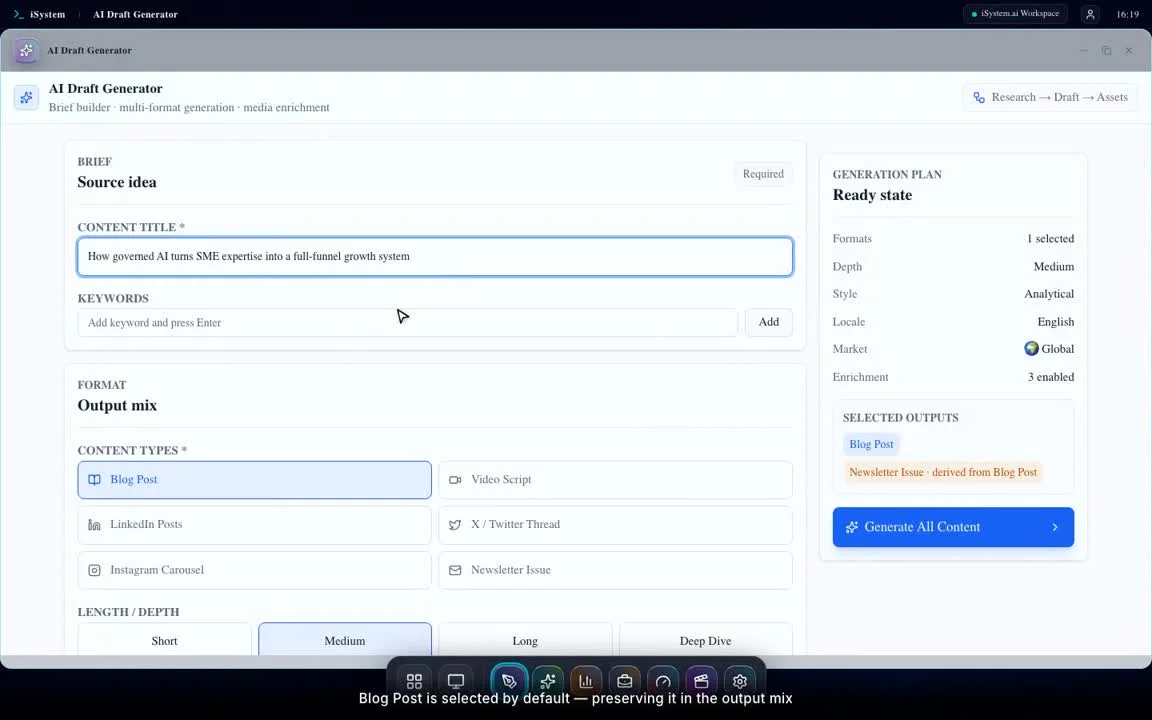
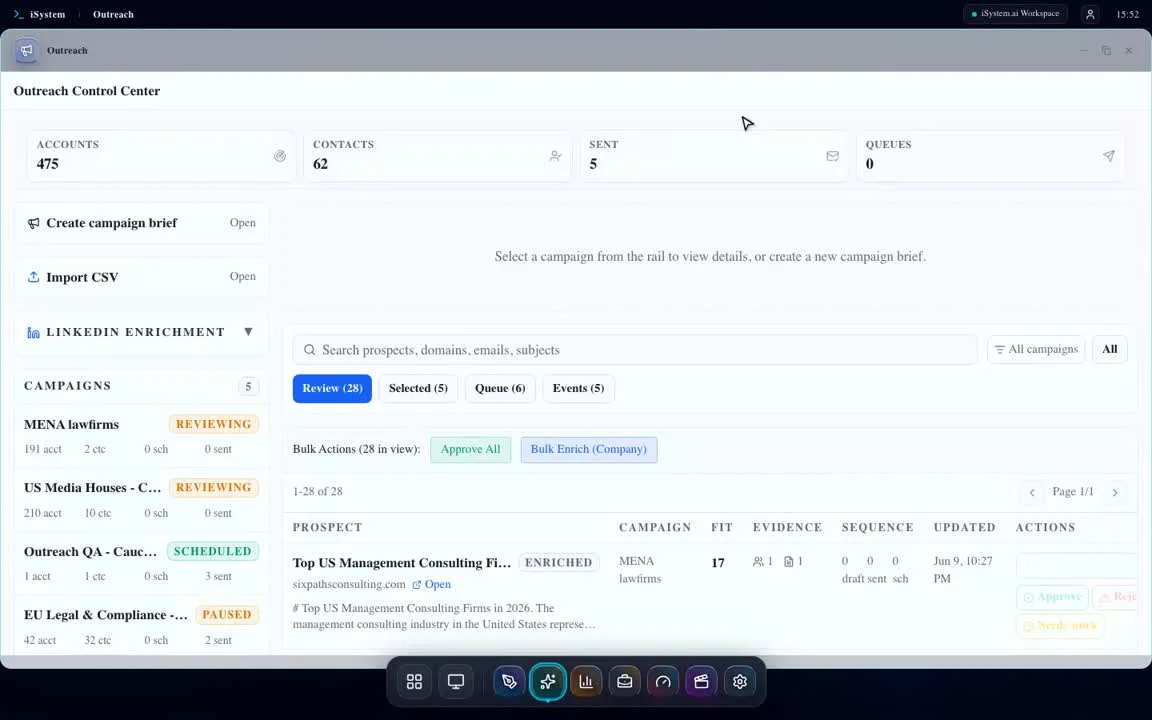
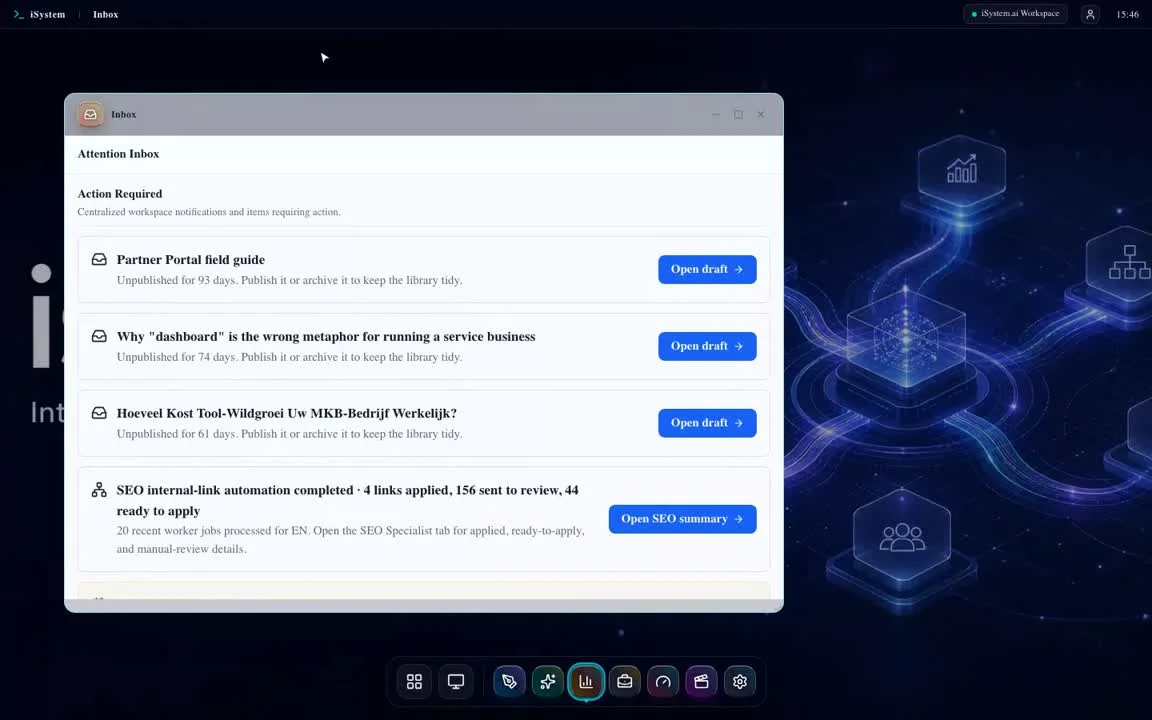
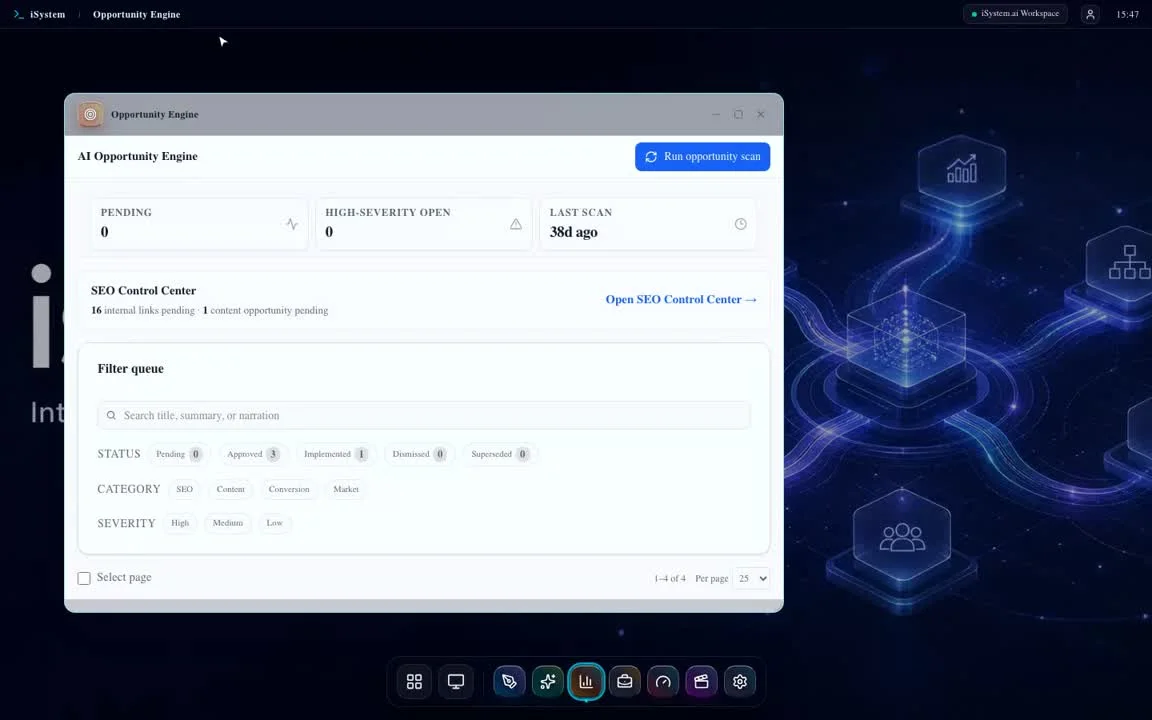
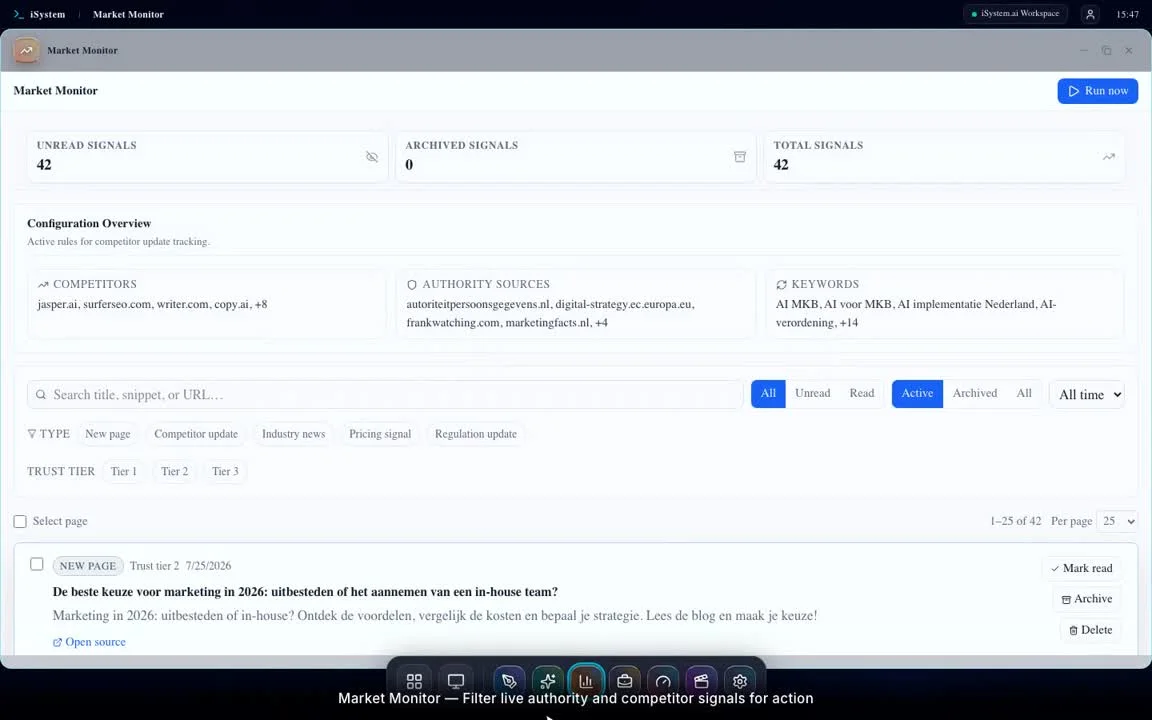
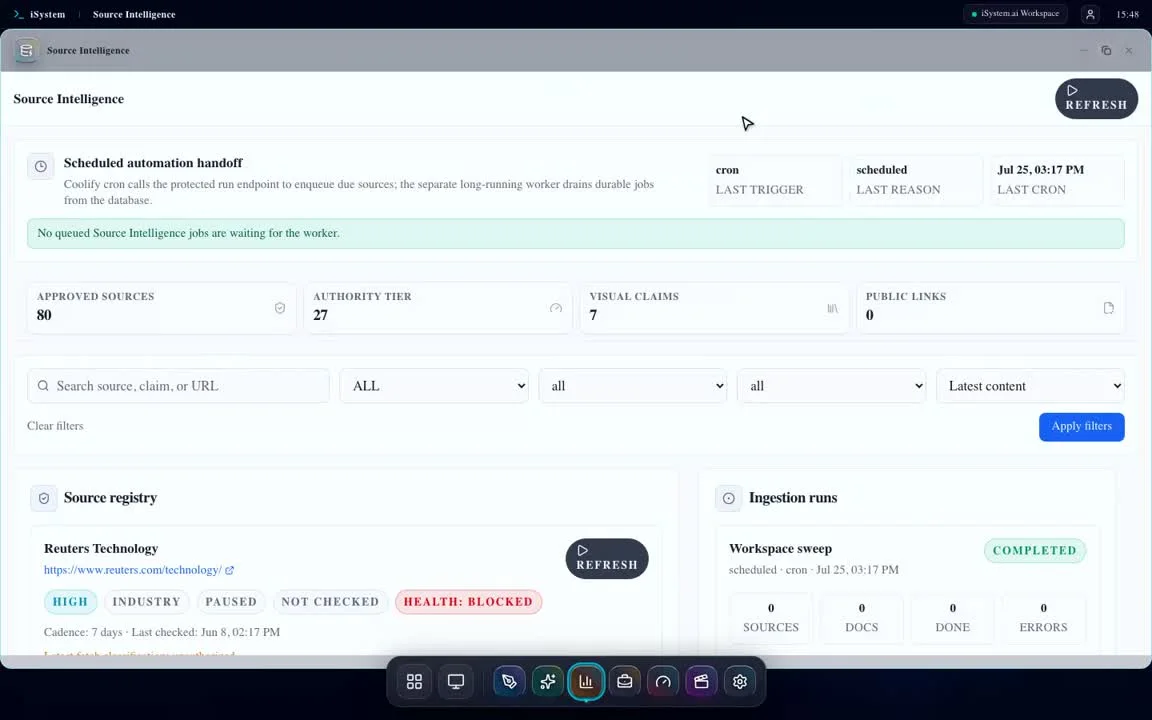
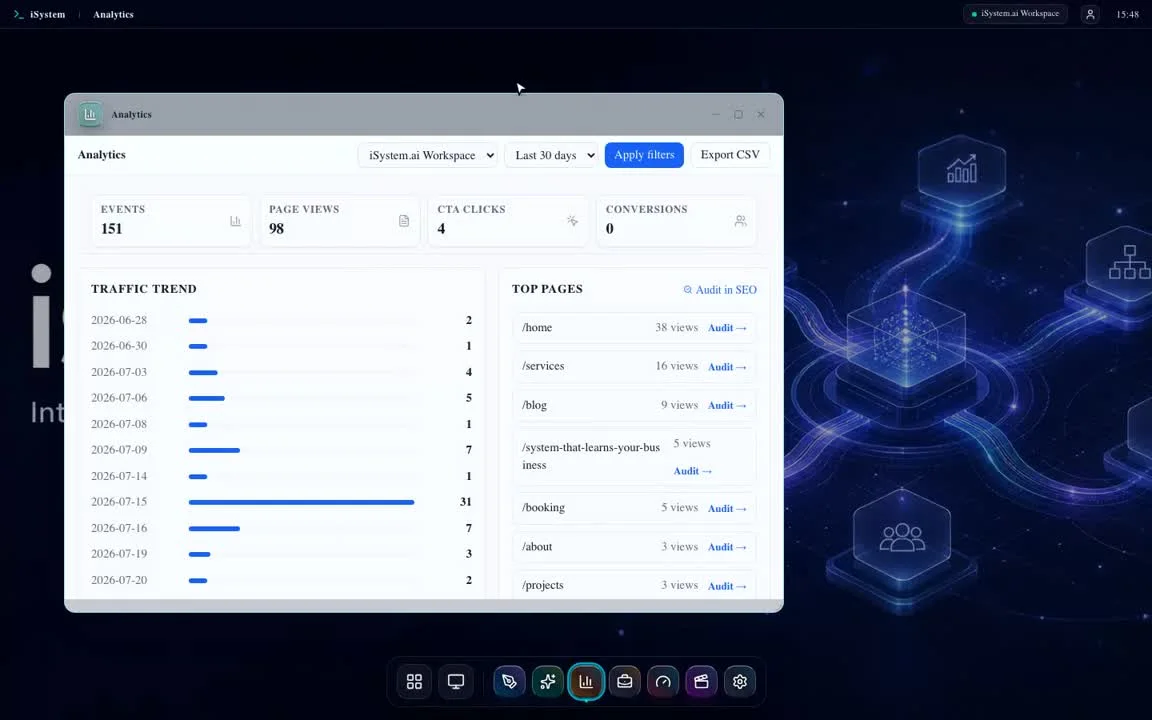
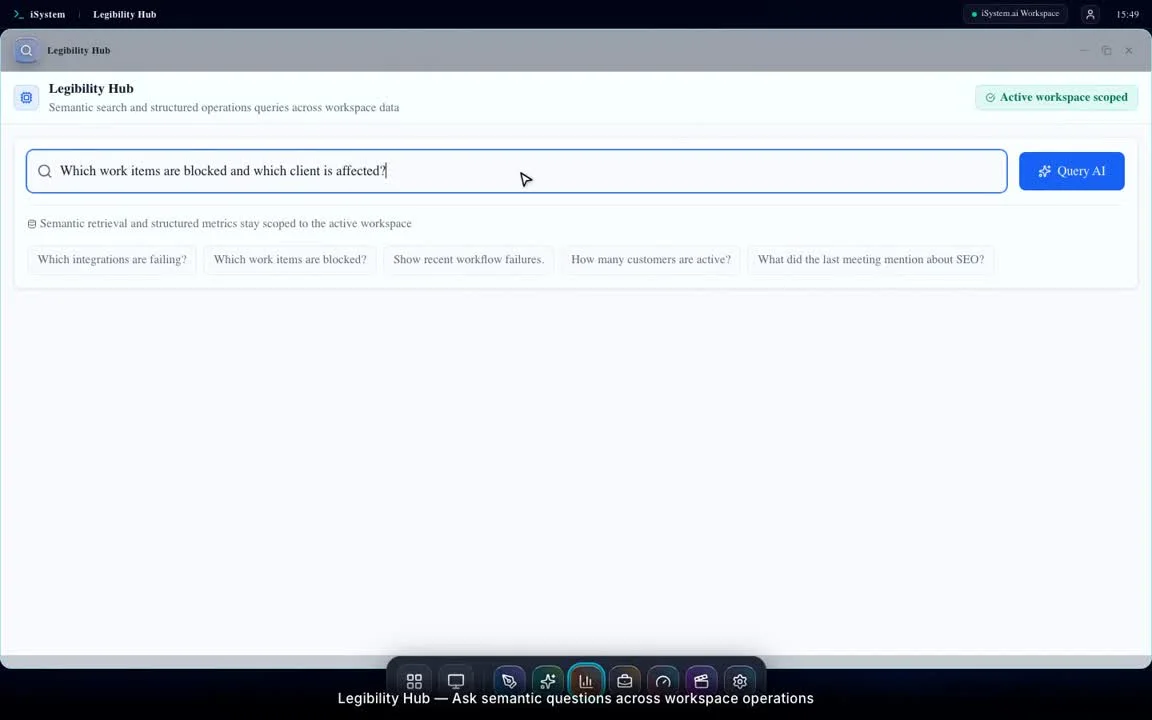
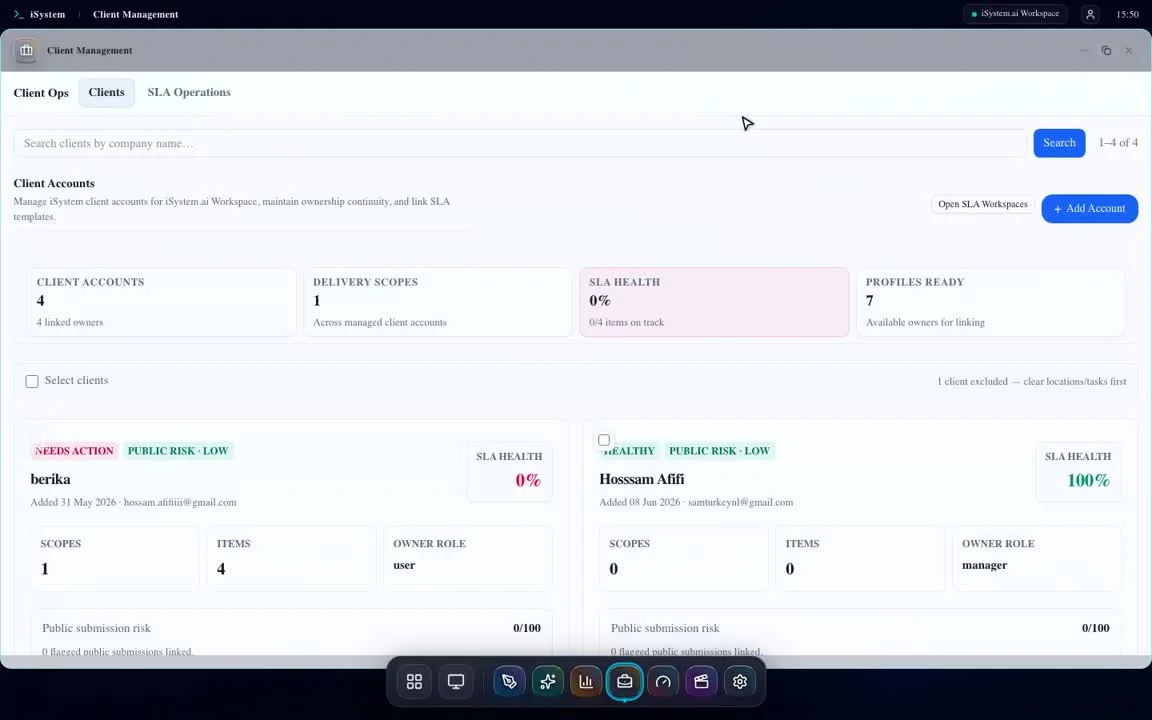
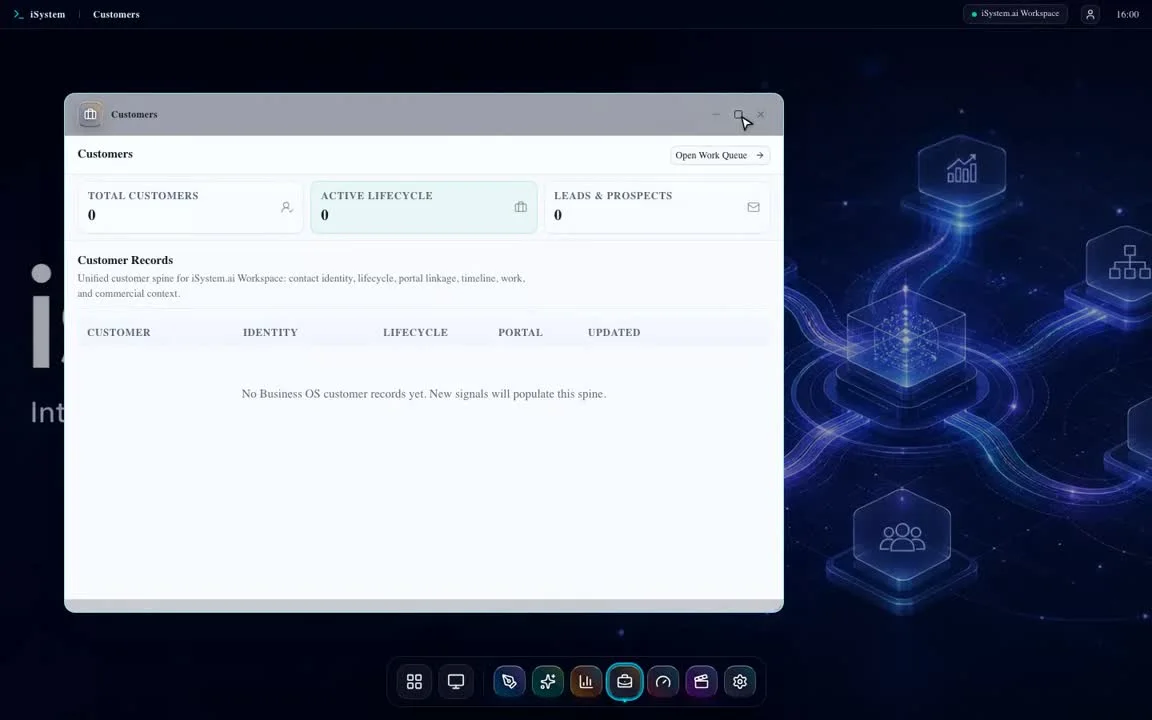
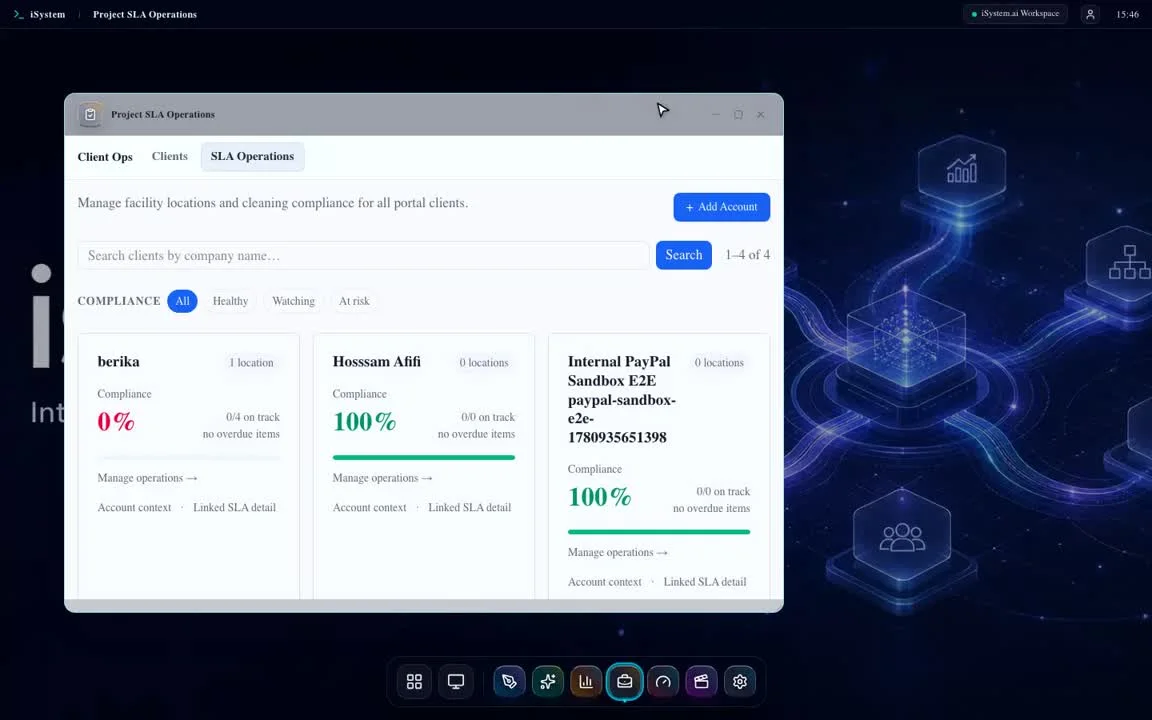
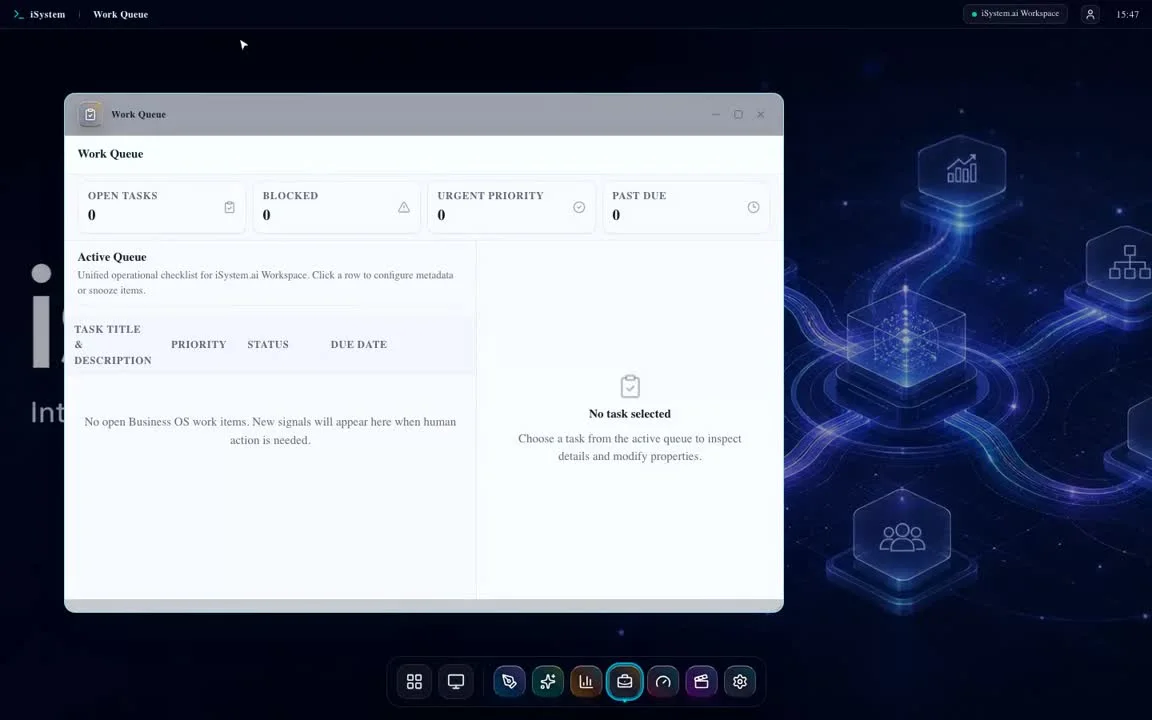
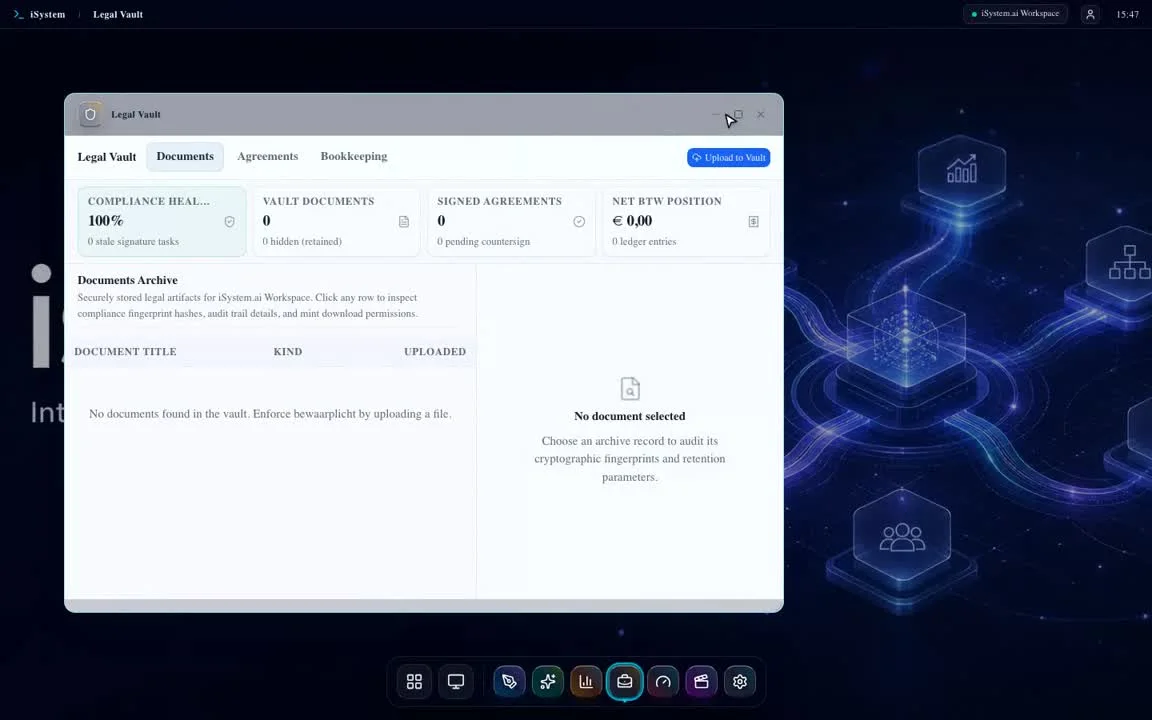
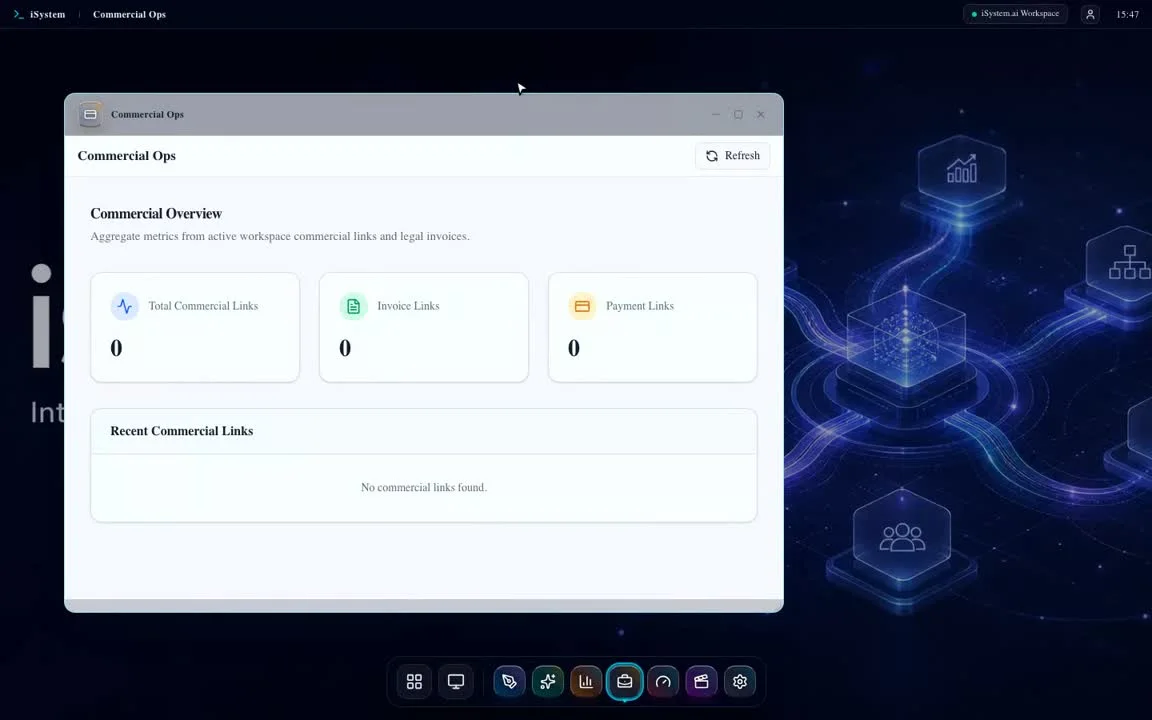
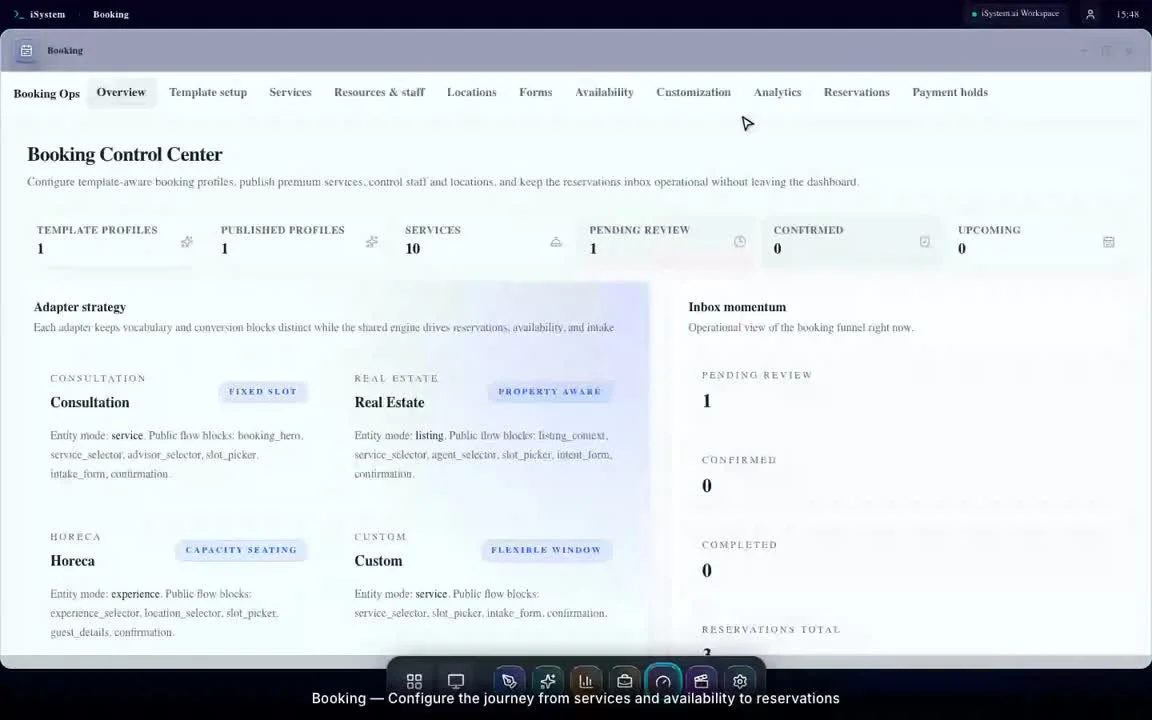
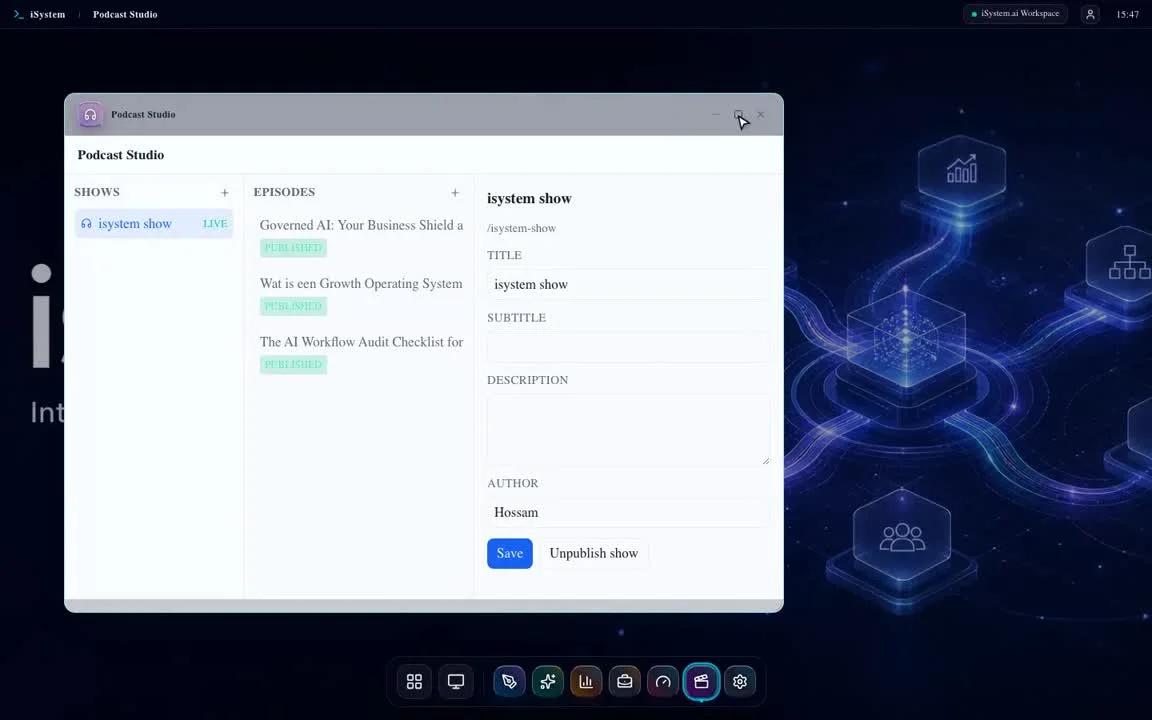
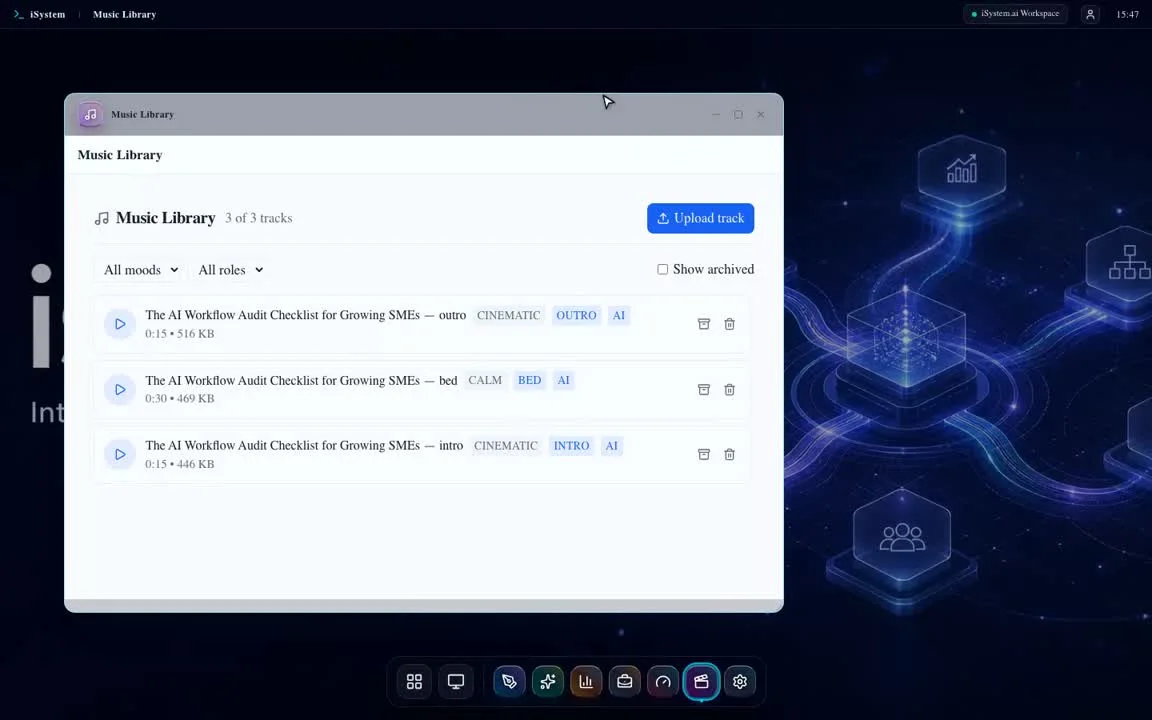
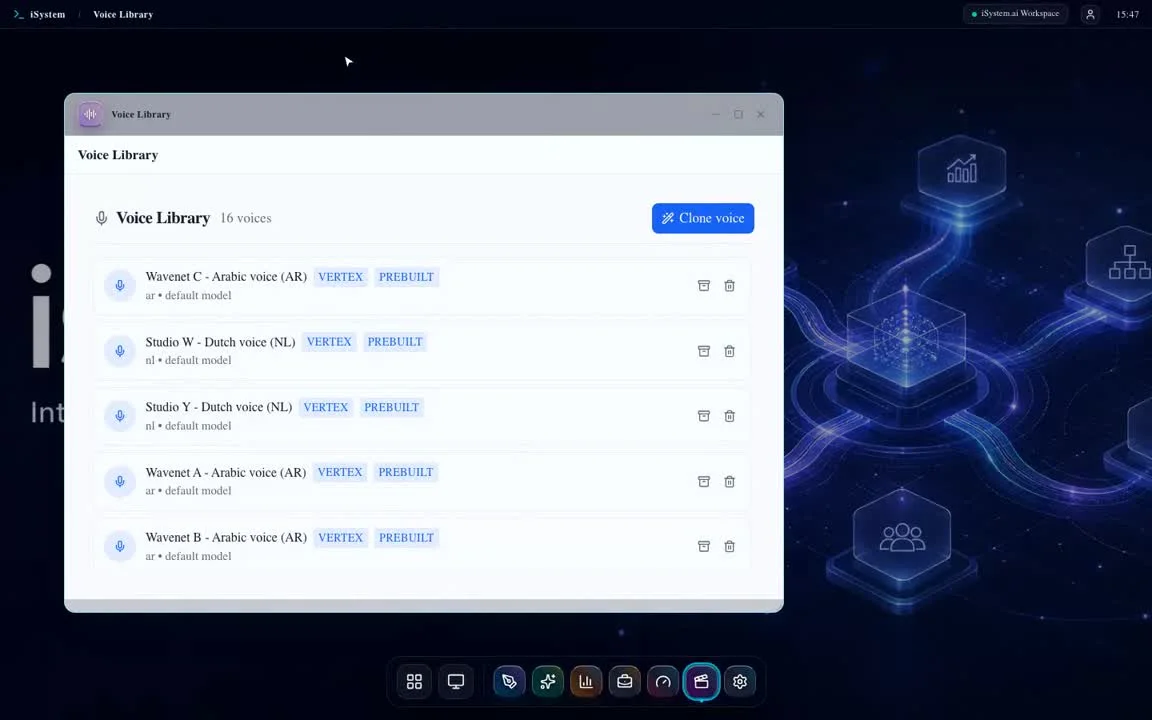
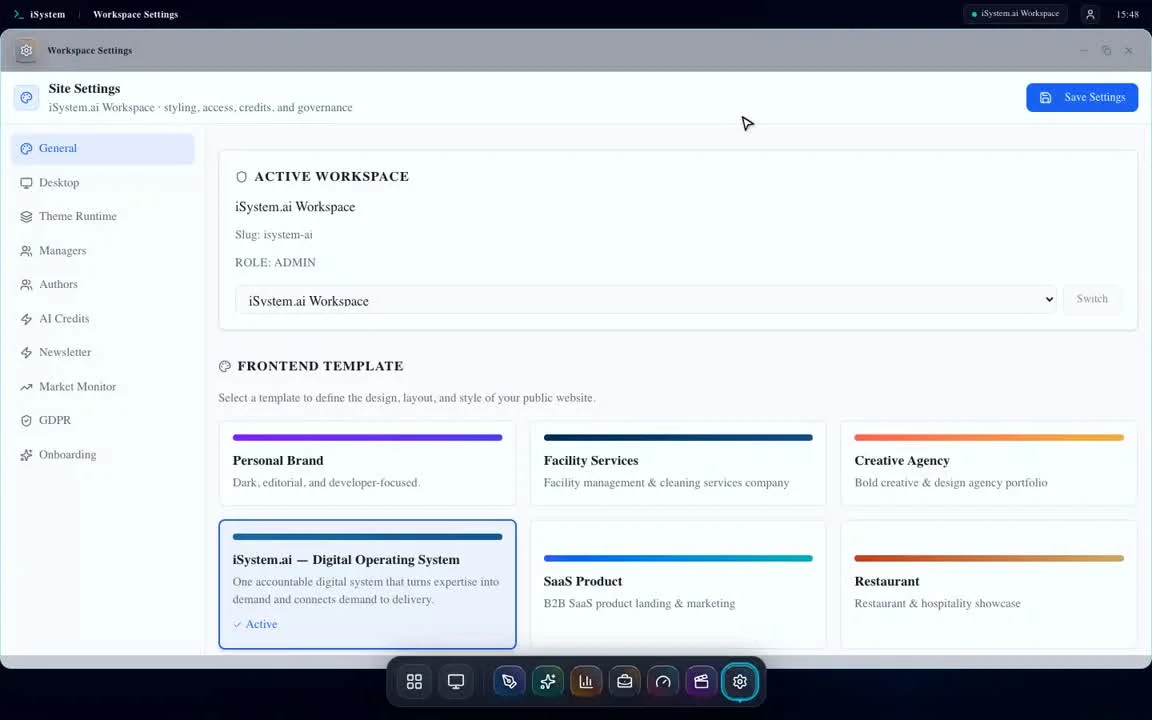
Recorded screen-by-screen tours of the actual workspace: Business Spine, Legibility Hub, workflow operations, SEO and Search Console, Source Intelligence, outreach, newsletters, booking, creative production, legal records, and the AI ledger.
Screen-by-screen proof
Walk through the operating record, not a highlight reel.Each walkthrough follows one workflow from signal to evidence and the next decision.Workspace tour
- SignalWhat changed
- WorkflowWho owns it
- EvidenceWhat was recorded
- DecisionWhat happens next
44recordings
49m 44stotal runtime
44/44QA approved
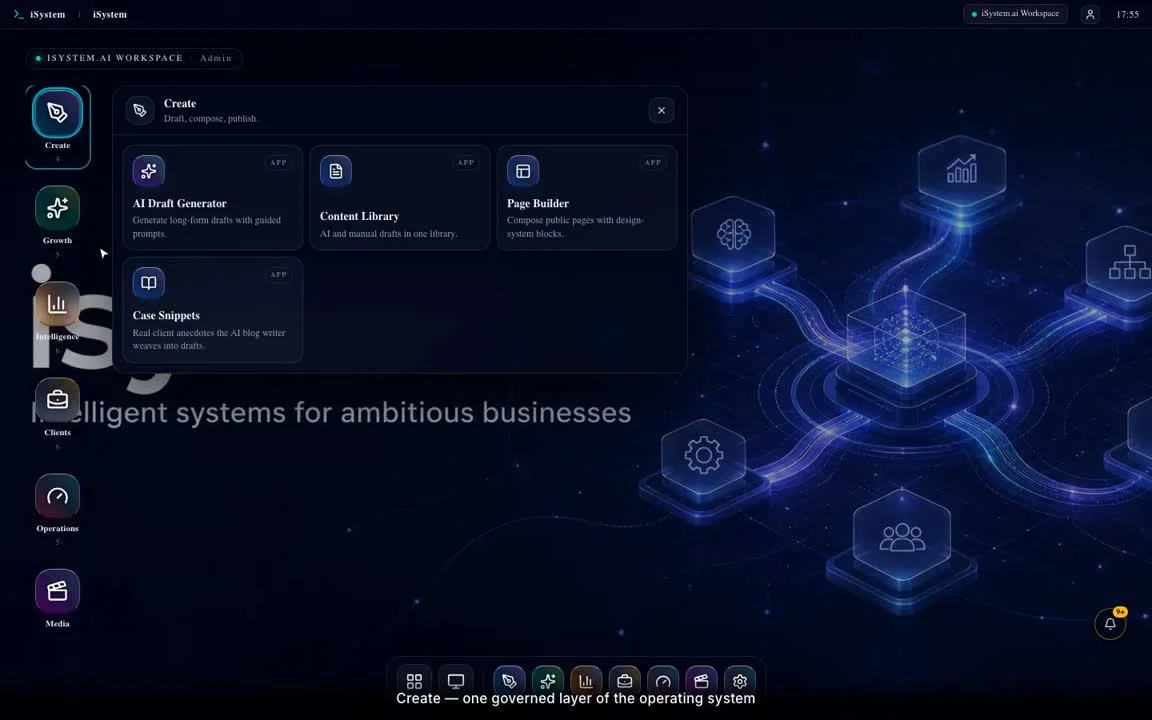
1m 02s
Start hereQA approved
The command center
A QAapproved endtoend walkthrough of The command center. This chapter follows observe → orient → decide → act → learn across the connected iSystem workspace.
Open the complete walkthroughSystem walkthroughs
Twelve connected chapters show how signals become decisions, work, evidence, and feedback.
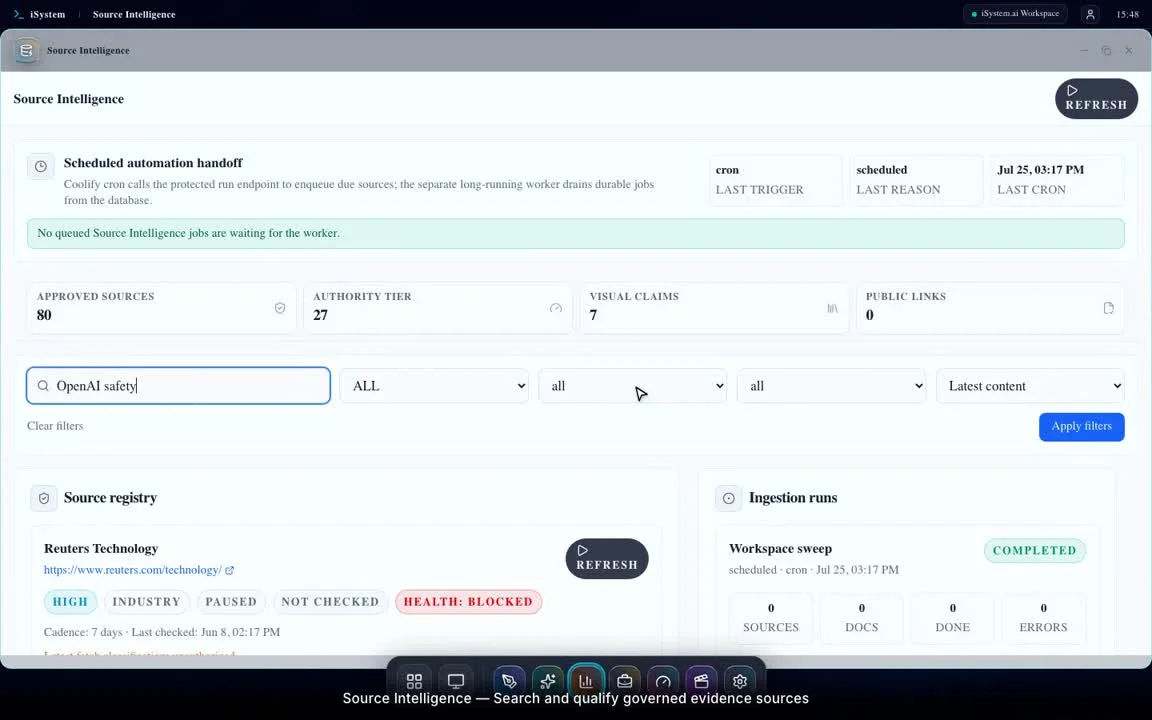 2m 54sSystem loops
Intelligence becomes a decision
Watch walkthrough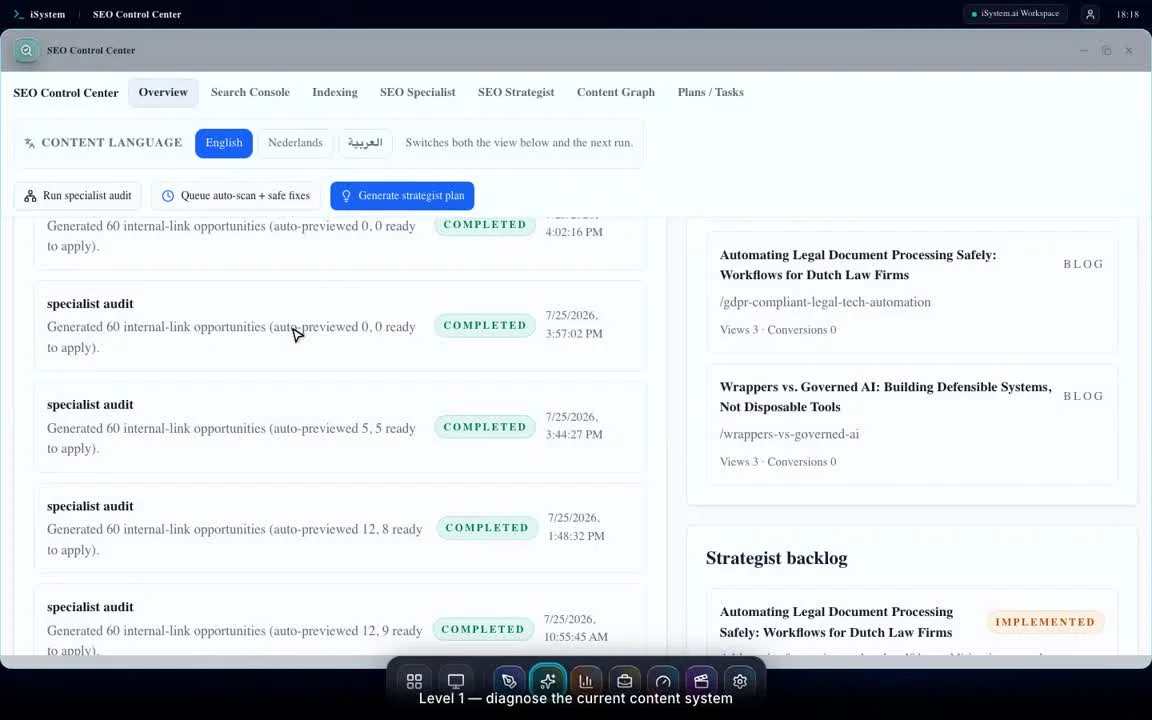 1m 38sSystem loops
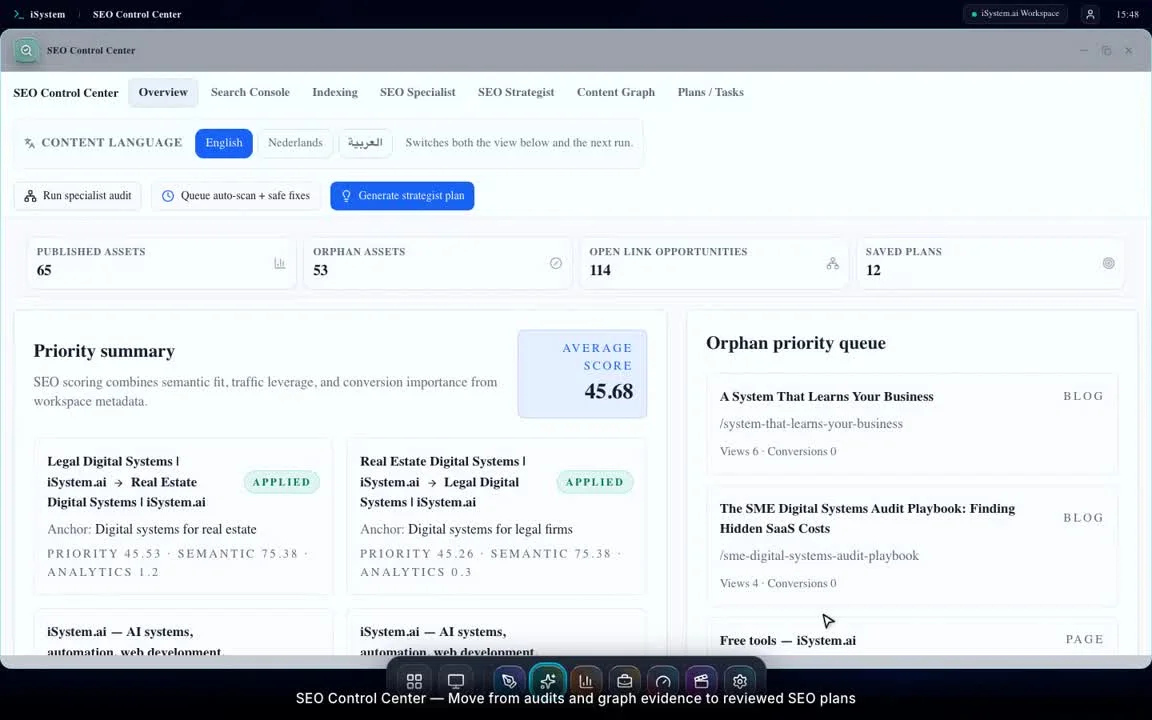
SEO level 1 — specialist
Watch walkthrough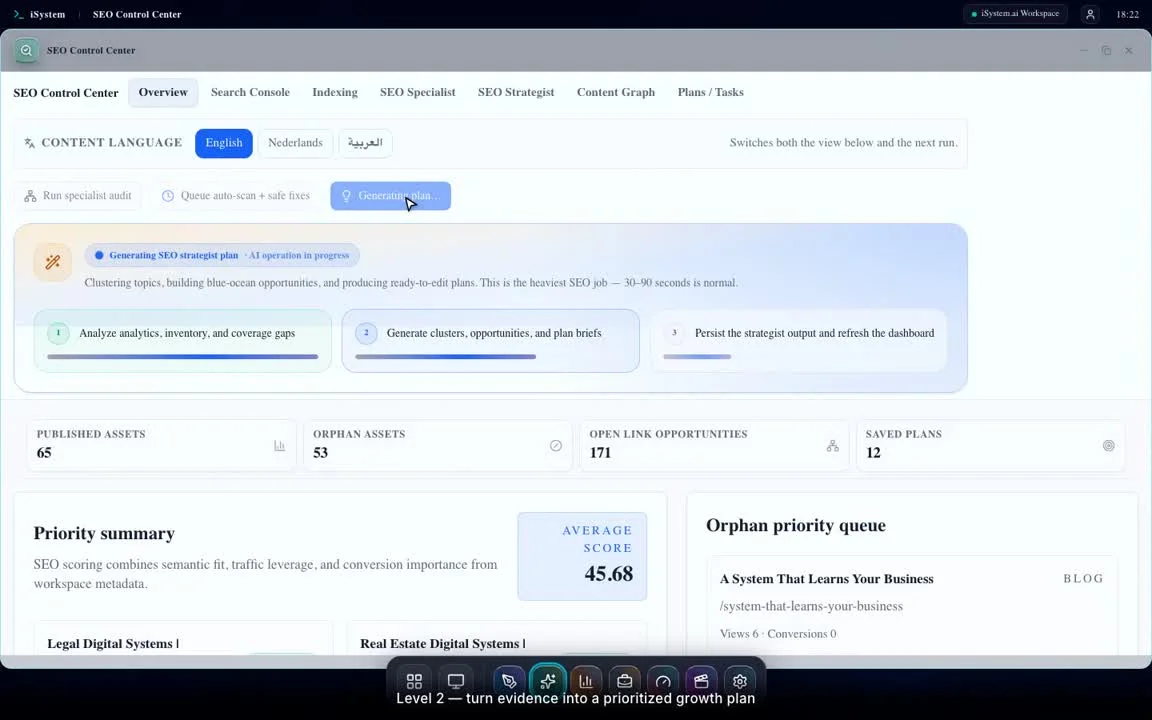 2m 08sSystem loops
SEO level 2 — strategist
Watch walkthrough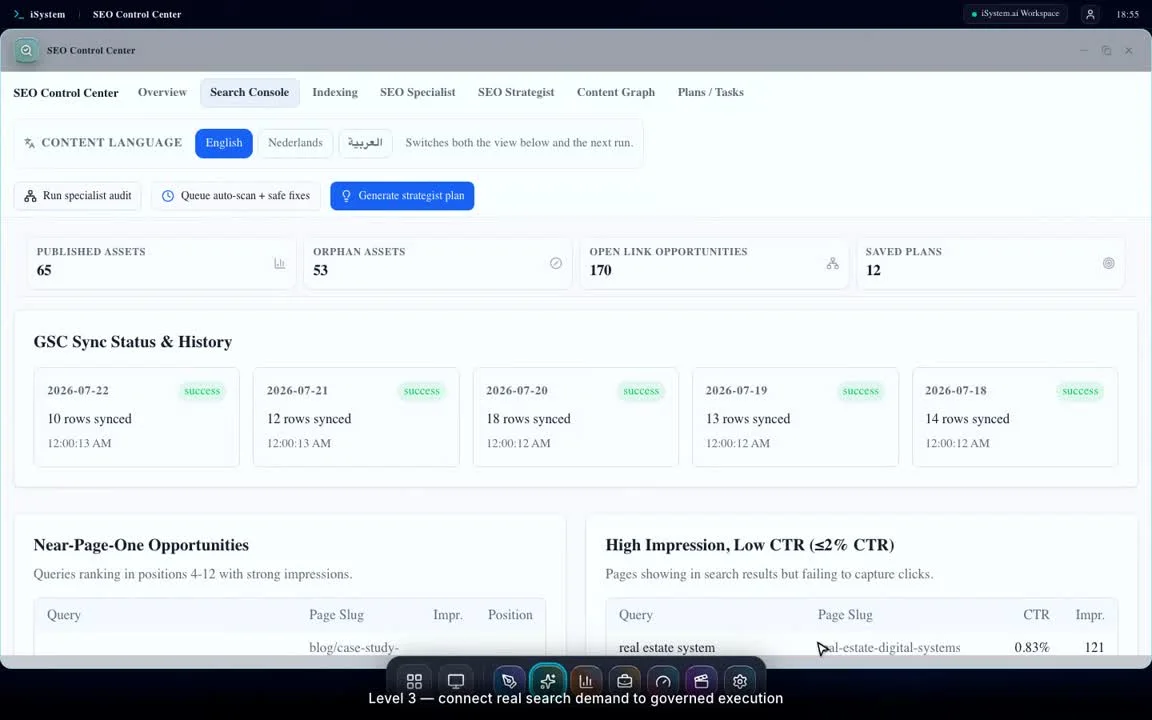 1m 45sSystem loops
SEO level 3 — execution and feedback
Watch walkthrough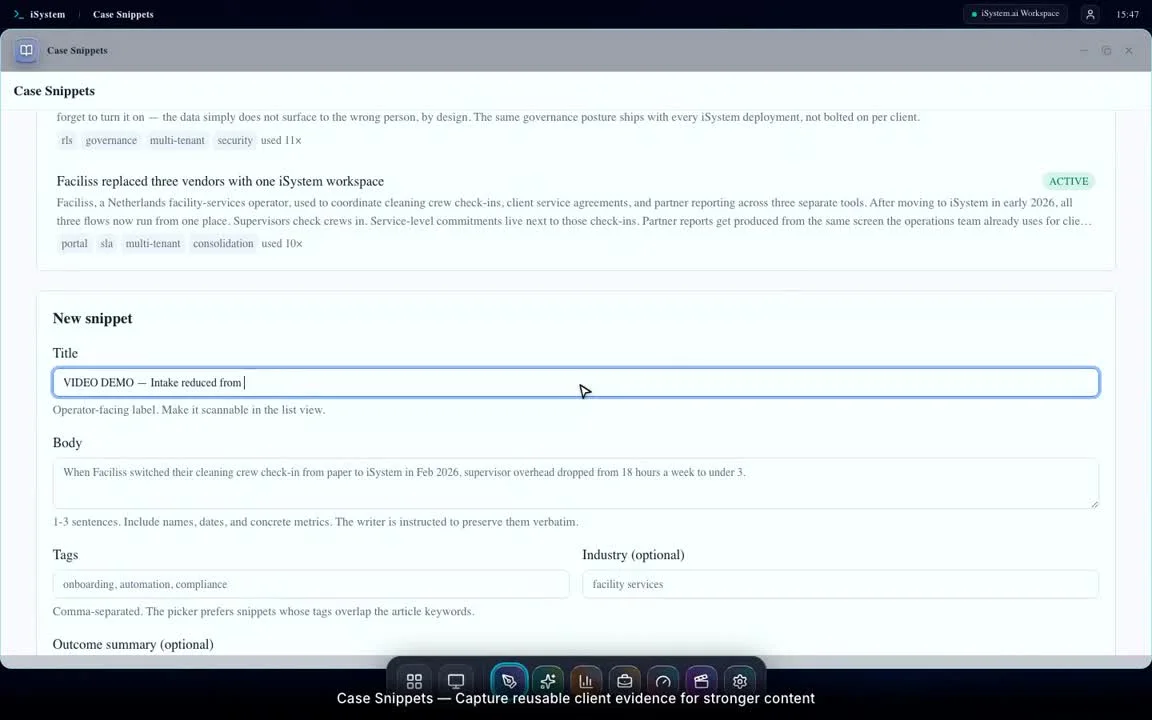 7mSystem loops
One brief becomes a content system
Watch walkthrough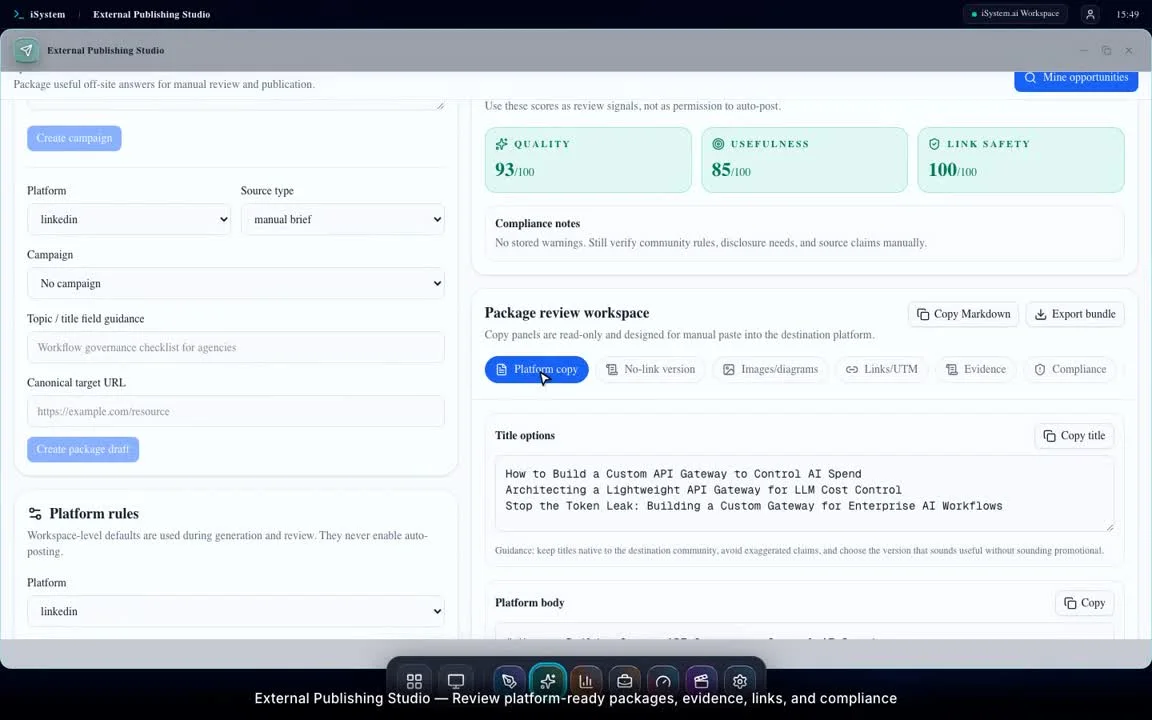 3m 16sSystem loops
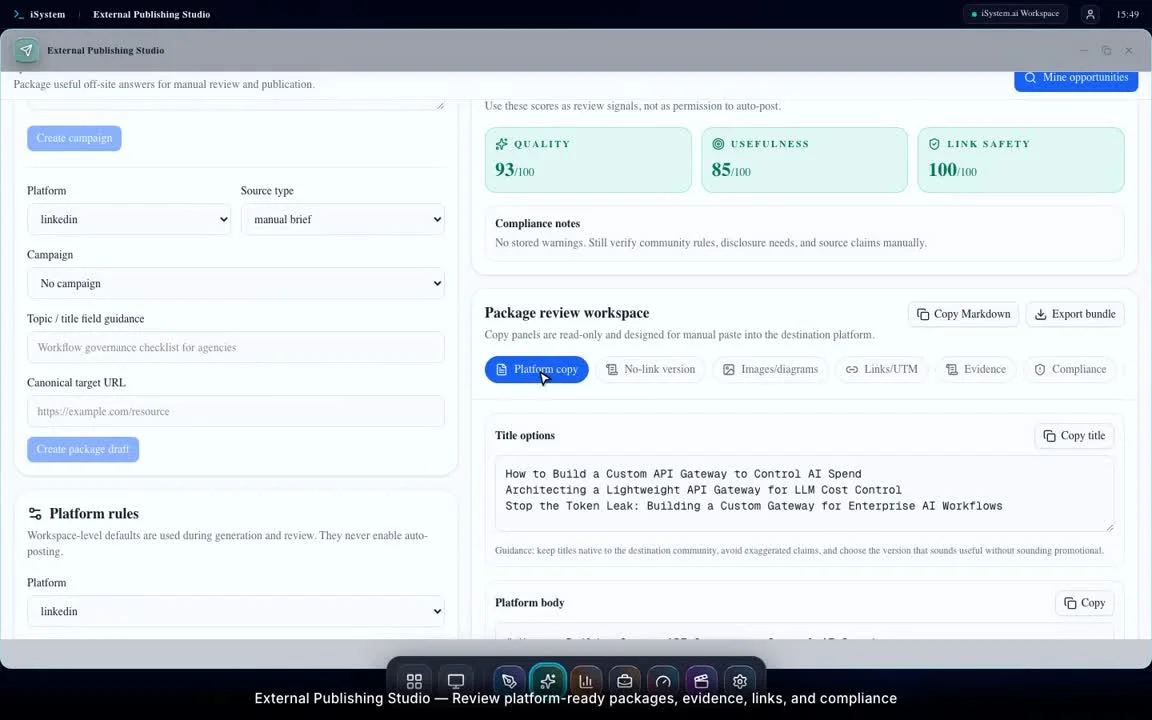
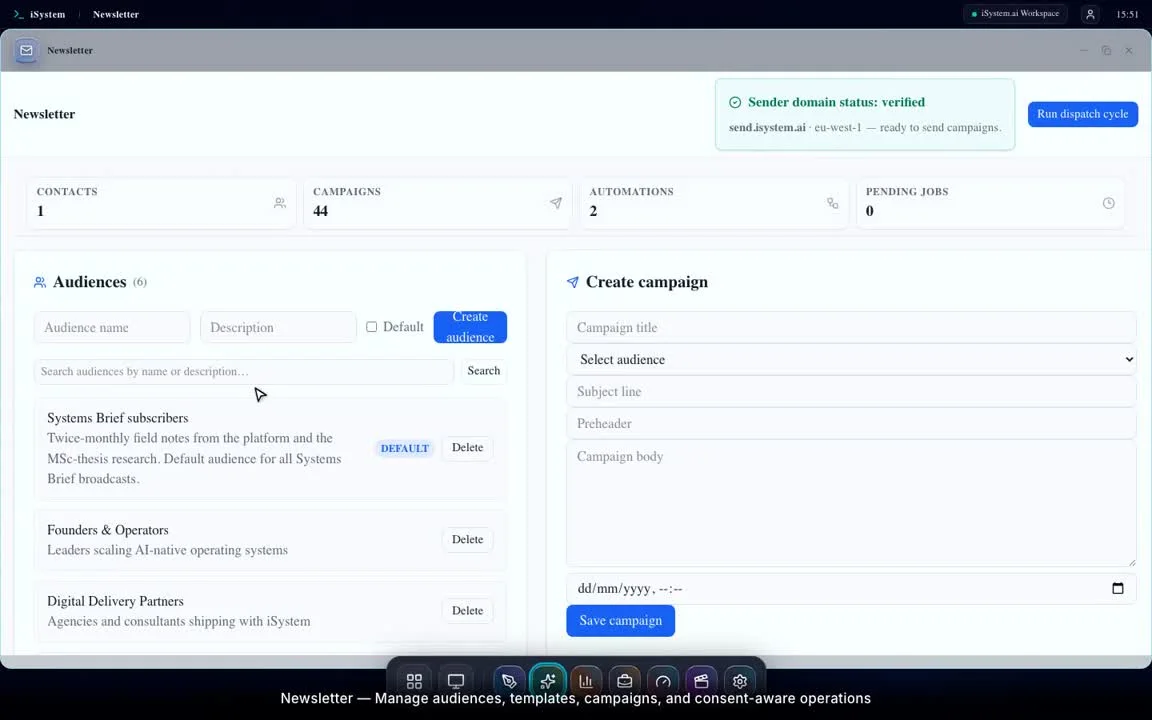
Content becomes distribution
Watch walkthrough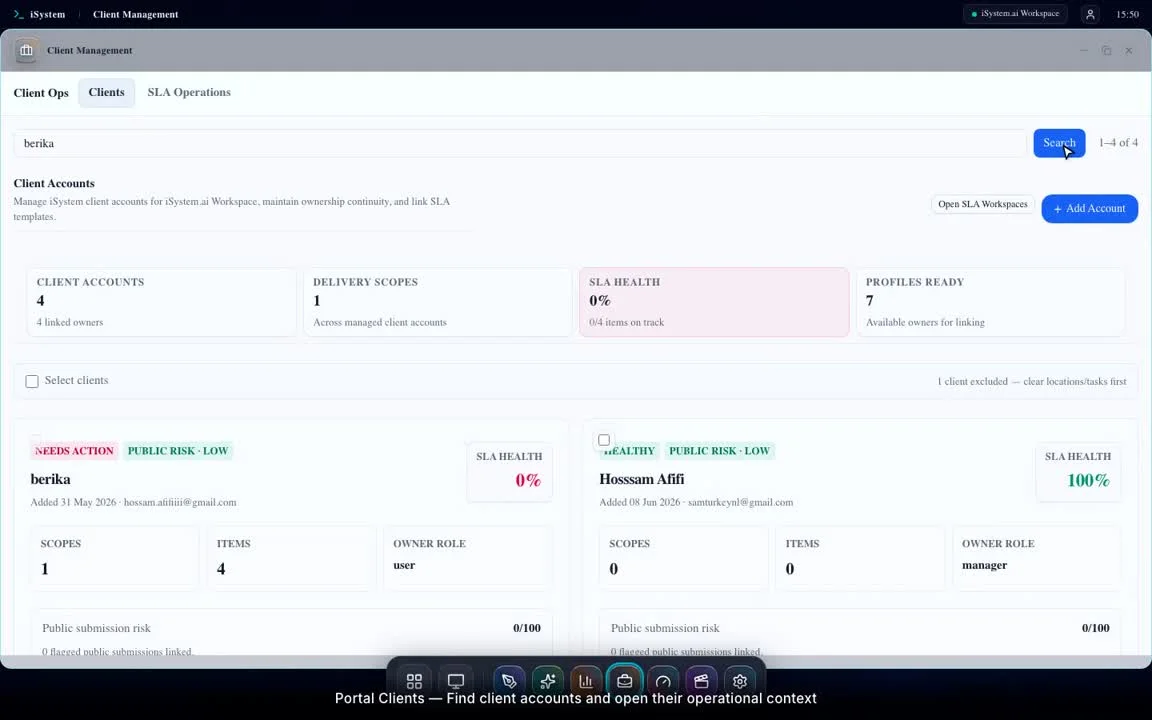 2m 05sSystem loops
A customer request becomes accountable work
Watch walkthrough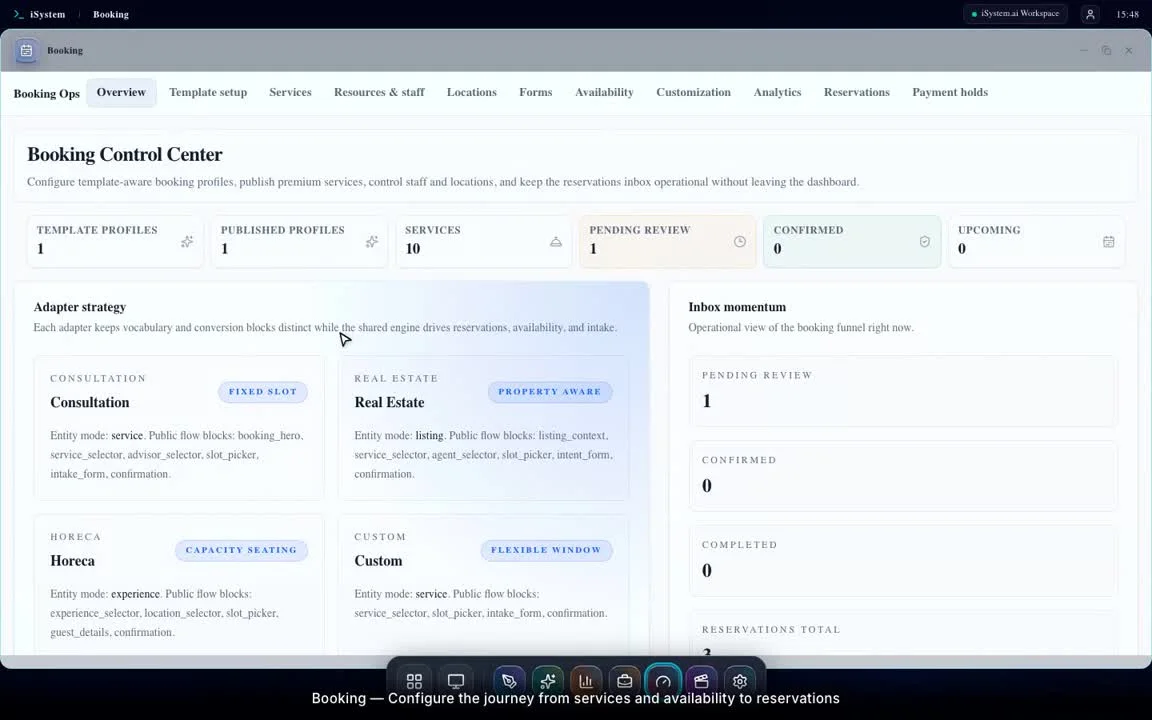 1m 10sSystem loops
Booking becomes commercial and legal evidence
Watch walkthrough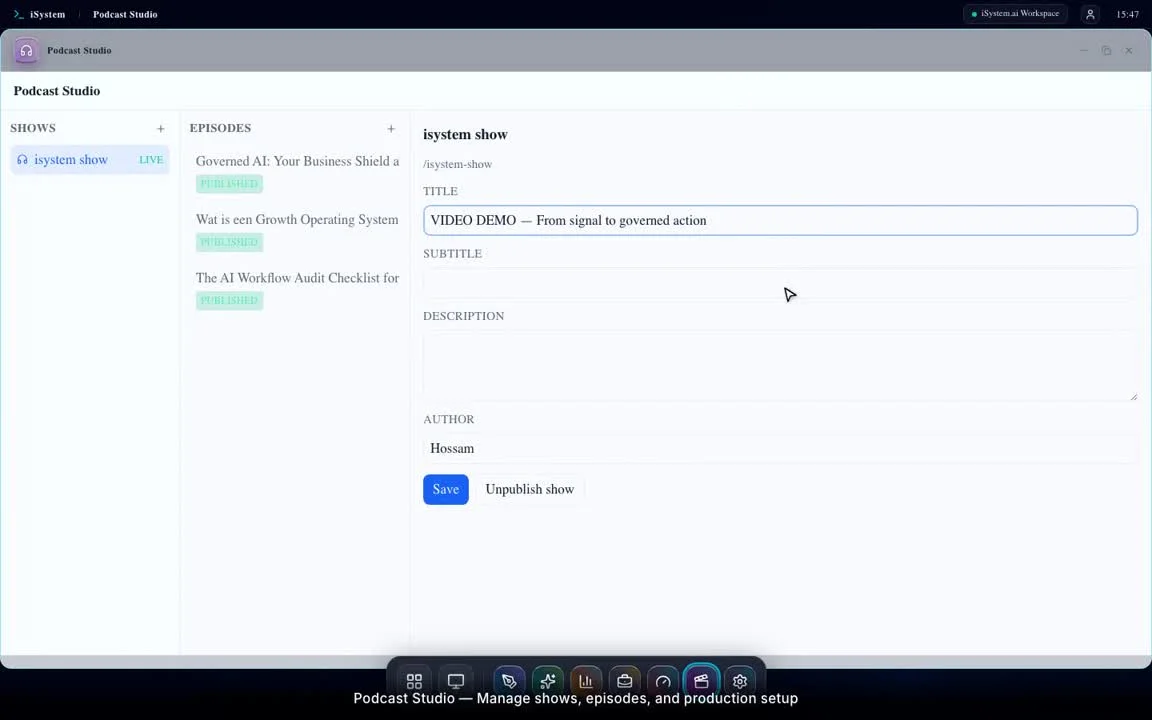 1m 16sSystem loops
Written content becomes reusable media
Watch walkthrough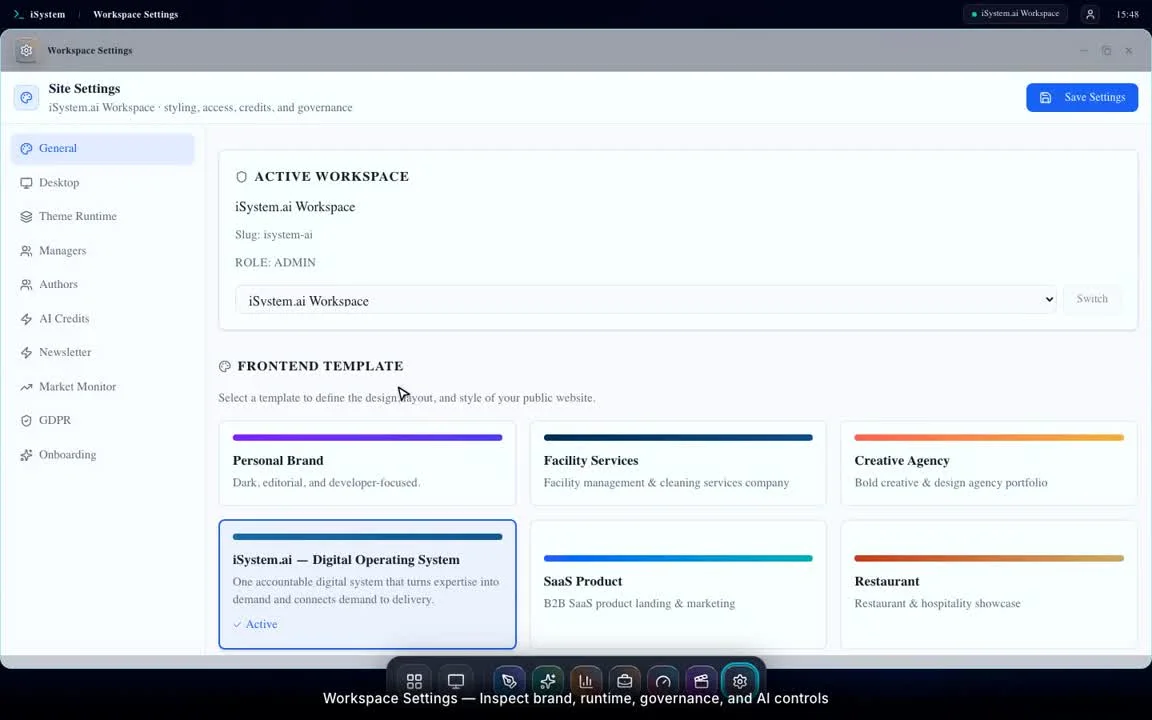 1m 28sSystem loops
Governance keeps the system safe
Watch walkthrough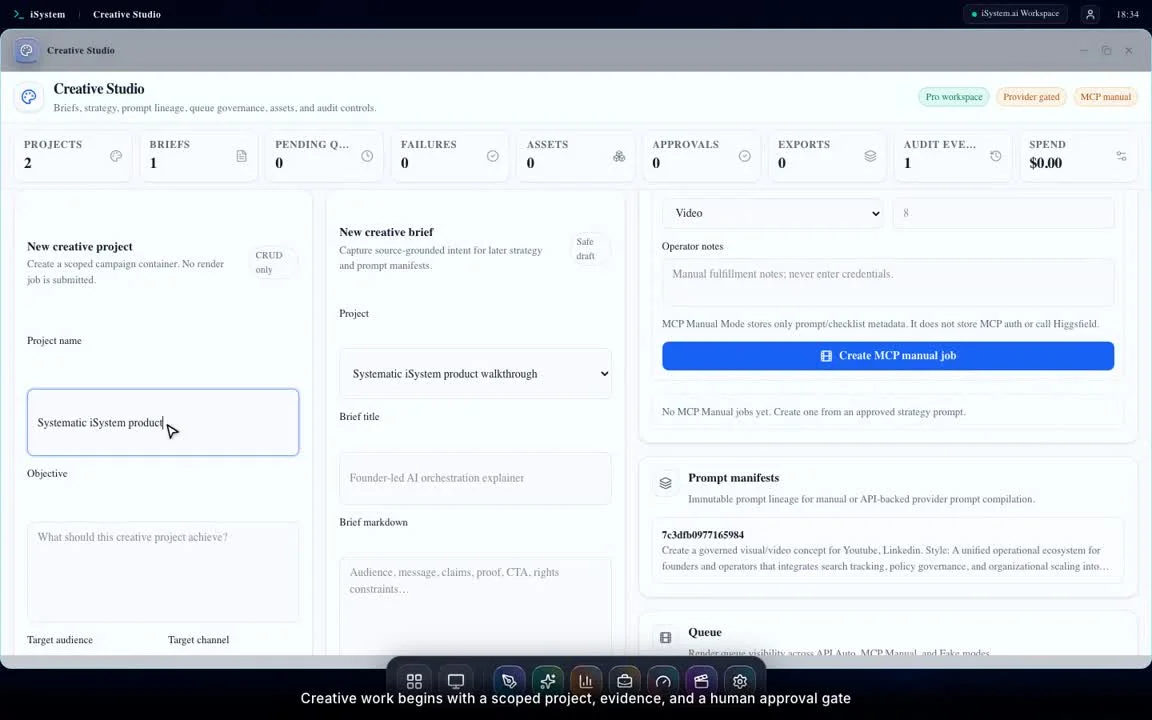 2m 32sSystem loops
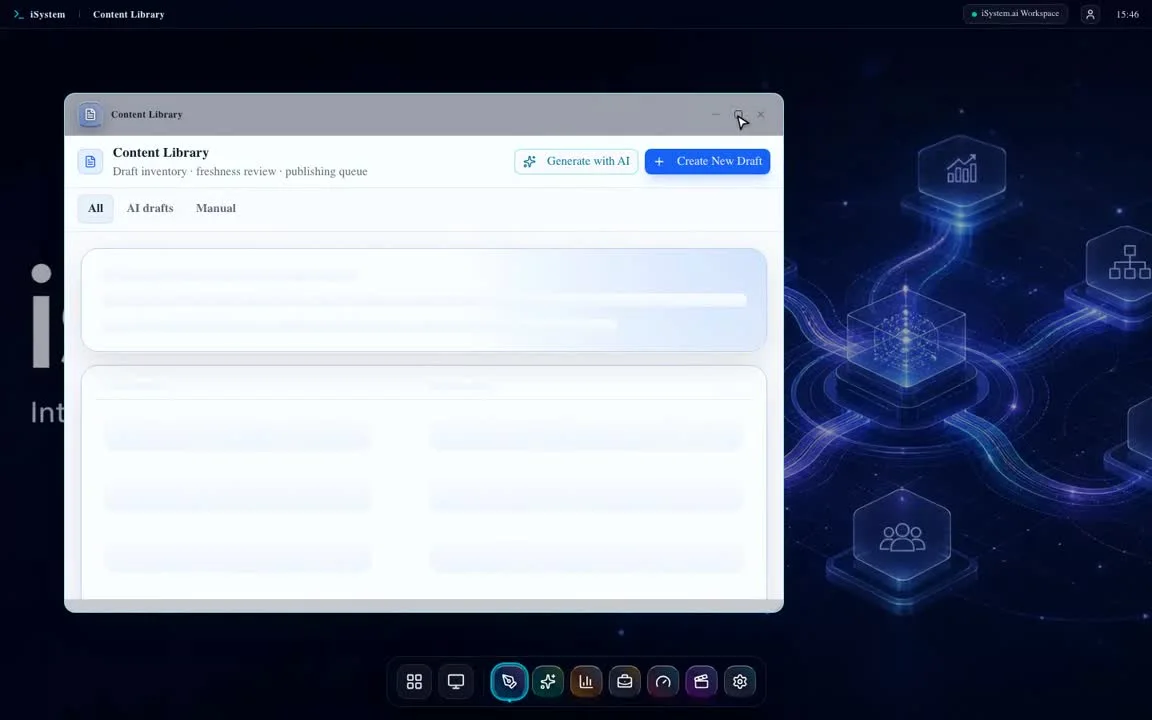
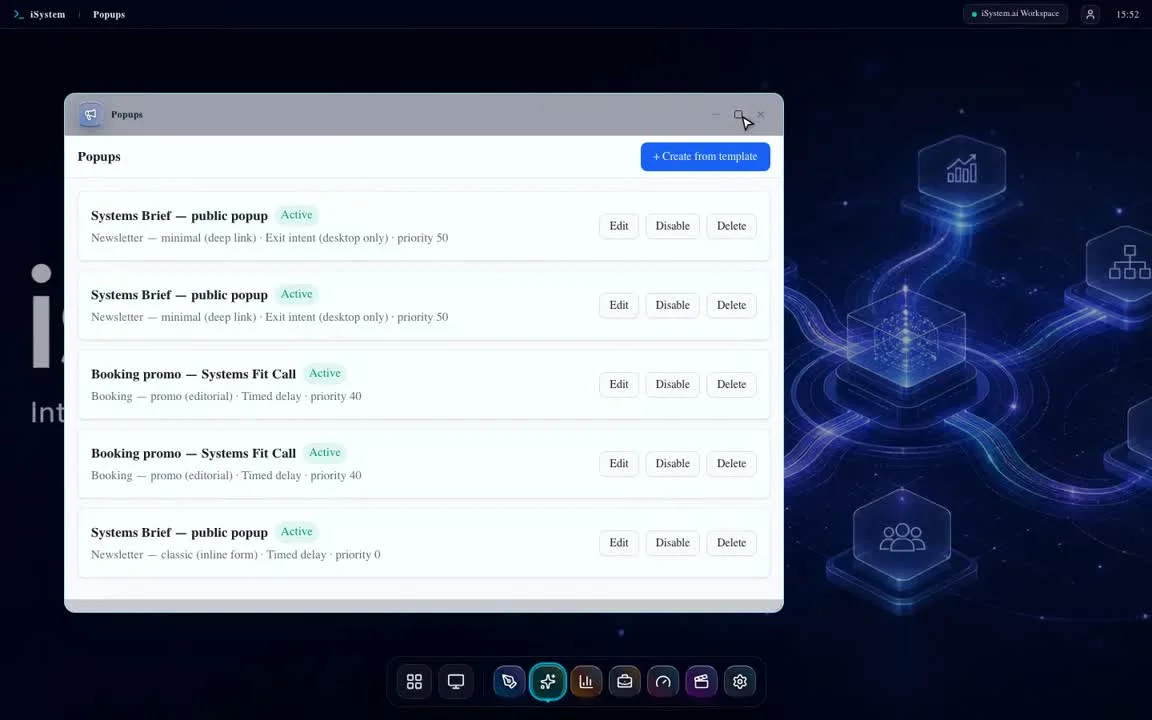
Creative and daily operator tools
Watch walkthrough
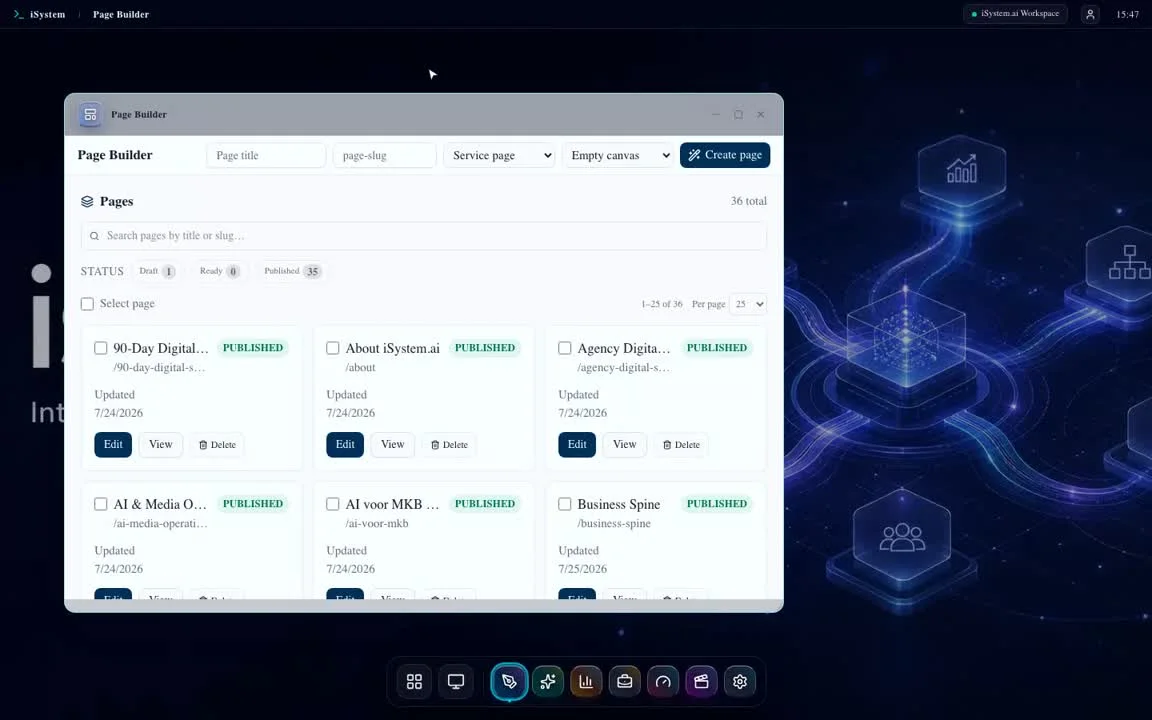
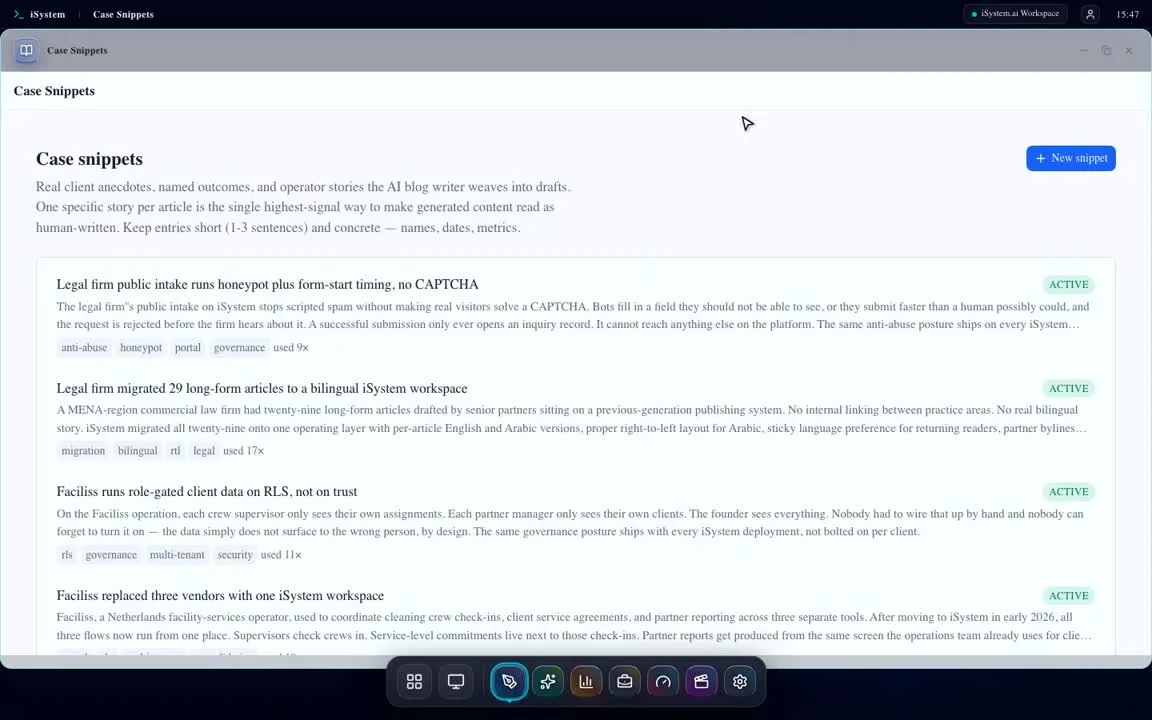
Feature library
Thirty-two focused recordings show the actual workspace applications and their governed workflows.